Unity Terrain Preview & RAW Export
A downloadable tool for Windows
UNITY TERRAIN PREVIEW & RAW EXPORT
Version 1.5 (PNG → Preview → Unity-compatible RAW)
Unity Terrain Preview is a lightweight desktop utility designed to inspect grayscale PNG heightmaps and export them as Unity-compatible 16-bit RAW terrain files.
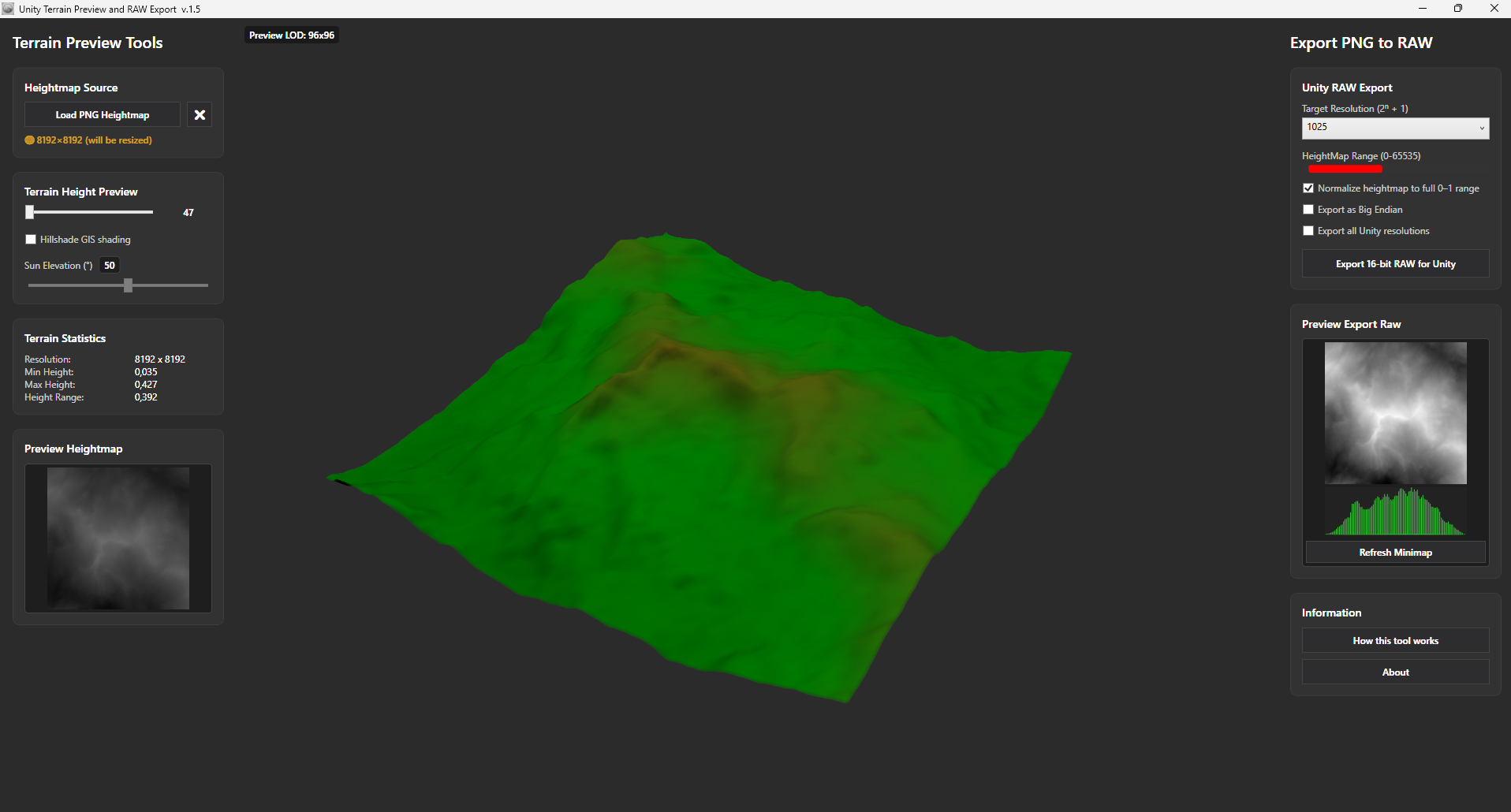
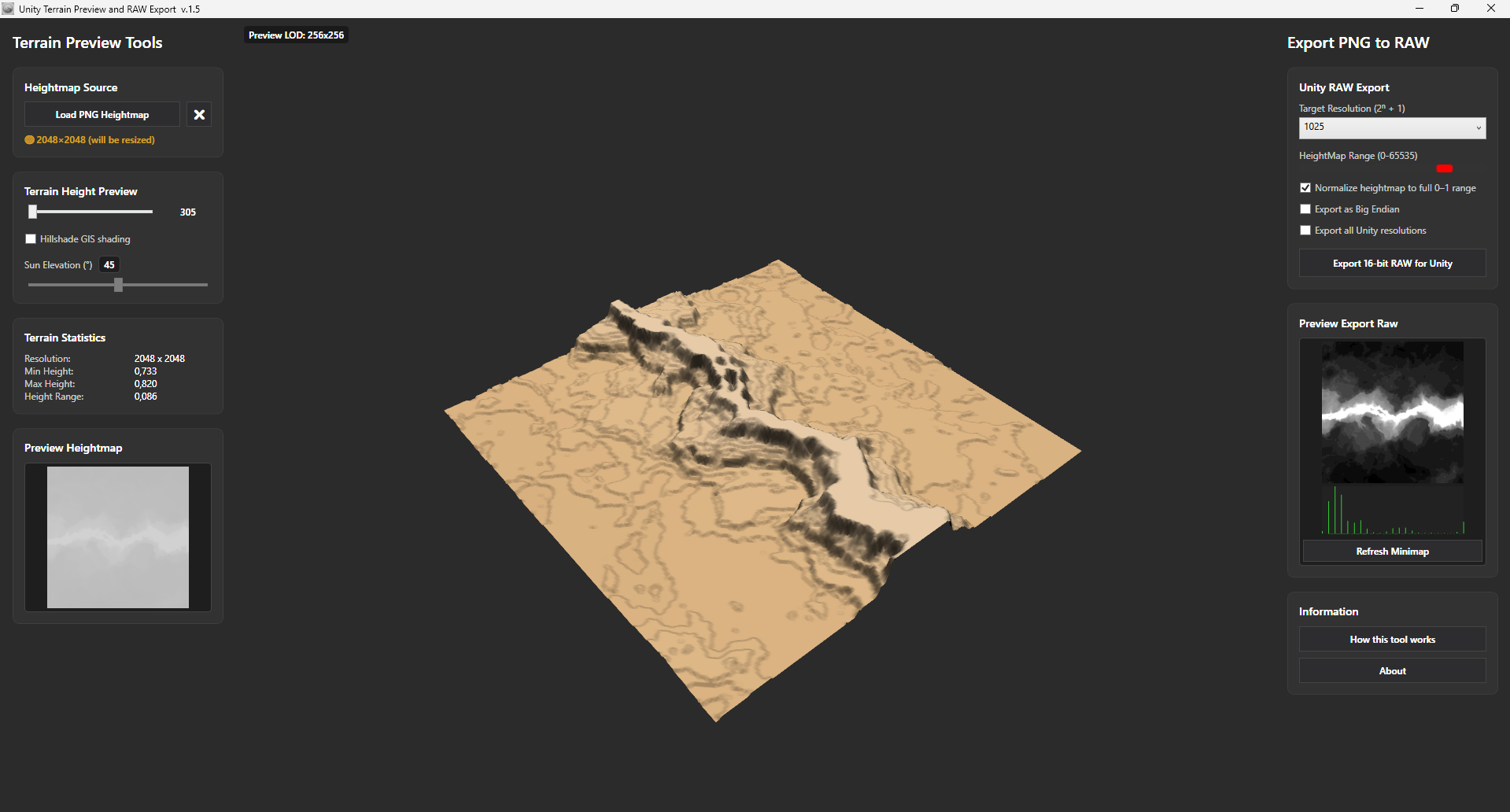
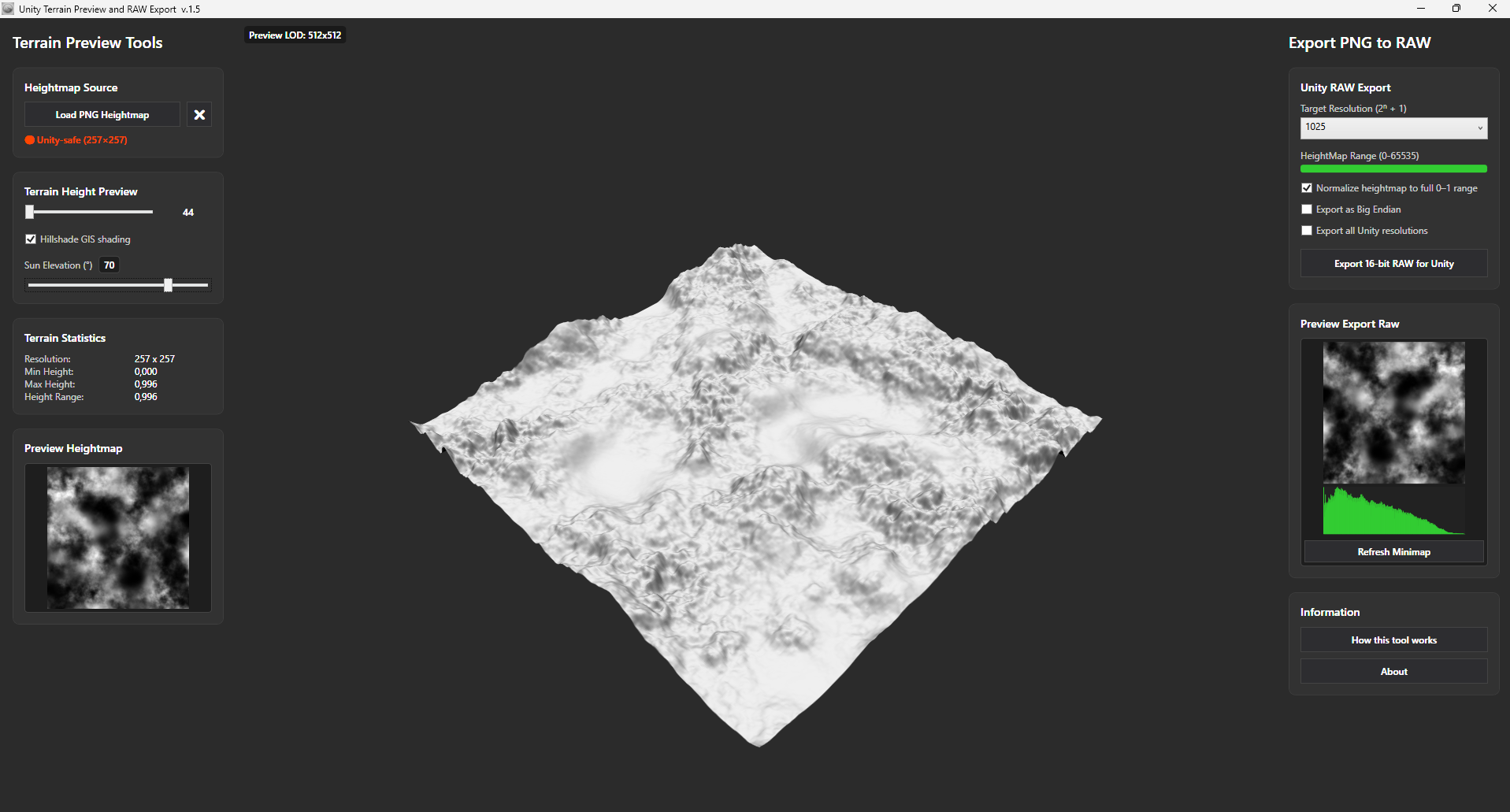
It provides a fast, real-time 3D terrain preview with adjustable height scaling, gradient or GIS-style hillshade visualization, and export settings fully compatible with the Unity Terrain Import pipeline. No installation required—just extract and run!
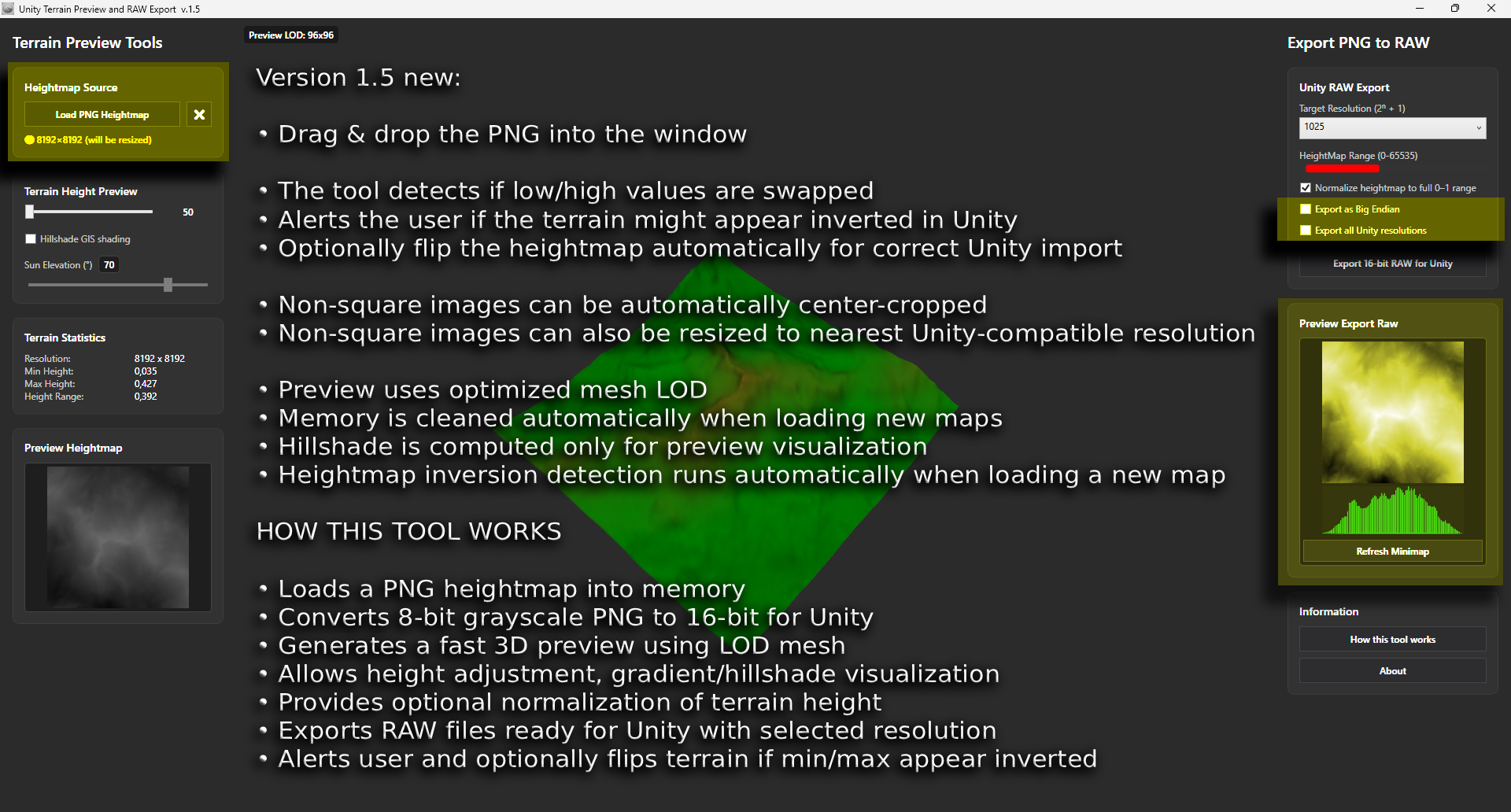
MAIN FEATURES
- Drag & Drop Workflow: Load grayscale PNG heightmaps instantly by dropping them into the window.
- Real-Time 3D Preview: Inspect your terrain immediately with adjustable height scaling.
- Advanced Visualization: Toggle between gradient terrain coloring and GIS-style hillshade shading with full Sun elevation control.
- Smart Grid Compatibility: Automatic center-crop for non-square images.
Automatic resize to the nearest Unity-compatible terrain resolution (33, 65, 129, 257, 513, 1025, 2049, 4097).
- Smart Detection: Automatically detects inverted heightmaps and offers an optional automatic flip for Unity.
- High-Performance Export:Exports 16-bit depth RAW files (Little Endian by default, Windows RAW format).
- Optional height normalization (remaps data to the full 0–1 range).
- Batch export multiple resolutions at once.
- Row-wise buffering for fast writes of large maps without lagging.
DEV NOTE & AI ASSISTANCE
A quick word from the developer:
This tool was created to streamline a personal bottleneck in the Unity terrain development pipeline. To build it quickly and efficiently as a solo developer, I used AI assistance to help write and optimize parts of the codebase. I wanted to make this utility available to the community as fast as possible to save other developers from the classic "stair-stepping" heightmap headache!
LICENSE (CC BY 4.0)
This software is released under the Creative Commons Attribution 4.0 International License.
You are FREE to:
- Use the software for both personal and commercial projects.
- Modify the source code / Redistribute original or modified versions.
Under the following condition:
You MUST give explicit credit to the original author in ALL uses, modified versions, redistributions, published builds, and derivative works. Attribution must be clearly visible in your application credits, documentation, or store pages.
AUTHOR & PROJECT
- Author: Michele Marcelli (© 2026)
- Project Goal: Simplifying heightmap inspection, 3D preview, and RAW export workflows for Unity terrain and horror game development pipelines.
Download
Install instructions
How to Install and Run:
- Download the ZIP file (
Unity_Terrain_Preview_v1.5.zip) to your PC. - Extract the contents of the ZIP file into a folder of your choice (e.g., on your Desktop or in your Tools folder).
- Double-click
Unity Terrain Preview.exeto launch the utility immediately. - No installation required! It runs as a portable, lightweight standalone application.
System Requirements & Prerequisites:
- OS: Windows 10 or Windows 11 (64-bit).
- Dependencies: Built with the latest Visual Studio environment. The executable is self-contained. However, if Windows prompts you that a framework is missing, ensure you have the latest .NET Desktop Runtime installed on your system.
- Antivirus Note: Because this is a newly released, independent standalone executable (
.exe) without a commercial digital certificate, Windows SmartScreen or your antivirus might show a warning ("Unknown Publisher"). This is a common false positive for indie tools. You can safely click "More Info" and then "Run Anyway".
Leave a comment
Log in with itch.io to leave a comment.